
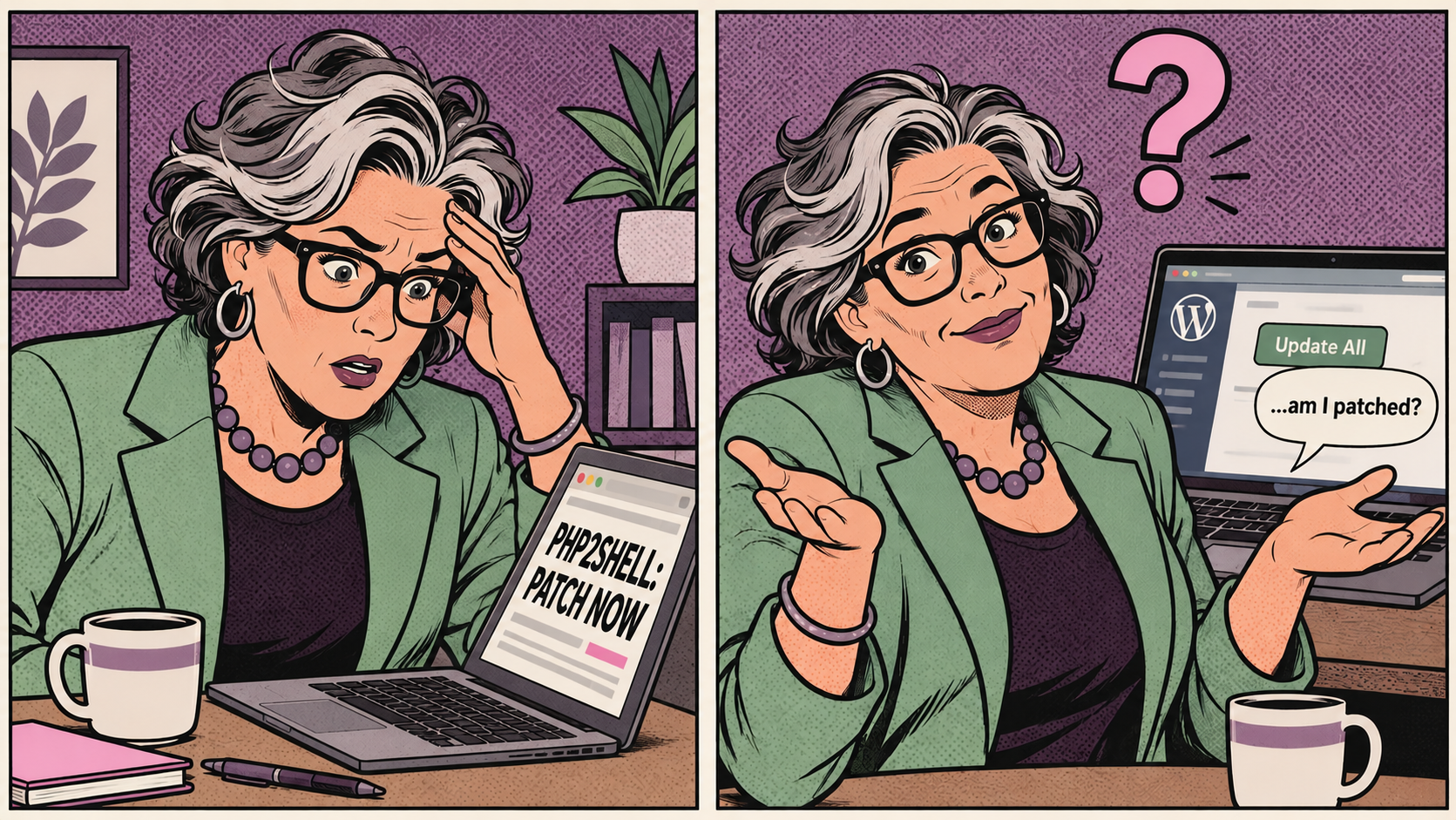
If you run a site on WordPress, the PHP2Shell WordPress headlines from late October probably left you wondering whether you're supposed to do something. Maybe you hit "update all" in the dashboard and called it a day. That won't touch this one. Here's what actually happened, who is responsible for the fix, and the short list of checks I'd run before calling it done.
What PHP2Shell is, in plain terms
PHP2Shell is the nickname researchers gave two flaws in PHP itself, tracked as CVE-2026-109618 and CVE-2026-109619. PHP is the language WordPress is written in. Every page view, login, and checkout on your site passes through PHP before a single line of WordPress code runs.
The flaws let someone with no account and no password send a crafted request to a vulnerable server and run their own code on it. From there they can do anything your site can do: edit pages, read the database, create admin users. The PHP security team rated both issues critical.
The timing was messy. Details leaked online on October 20, so PHP pushed its security release up to October 21 with fixed versions 8.5.12, 8.4.27, 8.3.36, and 8.2.35. Amazon's decoy servers had already logged an exploit attempt on October 17, four days before any public announcement. Once the news broke, Cloudflare reported attempts climbing from thousands to millions within a day.
Why updating WordPress won't fix it
This is the part that trips people up. WordPress.org said plainly that no WordPress update is required or planned for these issues. The bug lives underneath WordPress, in the software that runs it. A fully updated site with every plugin current is still exposed if the PHP under it hasn't been patched.
Same goes for security plugins. One might log or block some of the traffic, but the vulnerable code runs before WordPress even loads, so a plugin isn't something to lean on here.
One more source of confusion: back in July there was a separate issue called wp2shell, a chain of flaws in WordPress core that was fixed through normal WordPress updates. Similar name, different problem. PHP2Shell is fixed at the server level only.
Who actually patches PHP
On shared or managed hosting, your host controls PHP, so the fix is theirs to install. On a VPS or a server you manage yourself, it's on you.
Many of my clients are on GoDaddy, so here's where they landed. GoDaddy reported its Managed Hosting for WordPress fully patched by 19:30 UTC on October 21, and its regular Web Hosting (the cPanel plans) patched by 13:30 UTC on October 22. Automattic said WordPress.com, Pressable, and its other platforms were protected, and most of the big managed hosts published similar statements within a day or two.
So if you're on one of those plans, the door is closed. That's good news. It just isn't the whole story.
Patched is not the same as clean
Not long ago, a supply-chain compromise hit Smart Slider 3 Pro, a slider plugin plenty of my clients use. The vendor shipped a clean update, and a lot of site owners figured that settled it. It didn't. I went through client sites one at a time looking for indicators of compromise, because an update replaces a plugin's files. It doesn't remove a backdoor someone dropped in your uploads folder, and it definitely doesn't delete the extra admin account an attacker created on the way out. Each site needed its own check for both.
PHP2Shell follows the same logic. Exploit attempts started on October 17. Hosts finished patching on October 21 and 22. Your host closing the hole tells you nothing about whether anyone came through it during that gap.
To keep this in proportion: as of late October, nobody had publicly confirmed a WordPress site compromised through PHP2Shell, and some researchers found the public exploits failed against a default PHP setup. Researchers did catch working attacks on decoy servers, and CISA has since flagged the flaws as exploited in real attacks. It's worth a few minutes of your time. It isn't worth losing sleep over.
A 15-minute check for site owners
- Check your PHP version. In the WordPress dashboard, go to Tools, then Site Health, then the Info tab, and open the Server section. You want 8.5.12, 8.4.27, 8.3.36, 8.2.35, or newer. One catch: some hosts patch their own PHP builds without changing the version number, so if you see an older number, your host's announcement is the deciding word.
- Ask your host directly if you're unsure. A one-line support ticket works: "Is the PHP2Shell fix for CVE-2026-109618 and CVE-2026-109619 installed on the PHP my site runs?" Get the answer in writing.
- Look for admin accounts you didn't create. Go to Users and filter by Administrator. Anything unfamiliar, especially an account created on or after October 17, gets investigated before it gets deleted.
- Run a malware scan. Sucuri and Wordfence both offer free scanners. Pay extra attention to any PHP files sitting in wp-content/uploads, which is a favorite hiding spot because that folder should mostly hold images and documents.
- If you use Cloudflare, don't stop there. Cloudflare switched on PHP2Shell firewall rules for every plan, including free. Those rules only see traffic that goes through Cloudflare. If your server's real IP address is reachable directly, an attacker can skip the firewall entirely. Restricting your origin to Cloudflare's IP ranges closes that gap.
There's also a third, related PHP flaw, CVE-2026-115560, disclosed on October 23 in a feature that tracks file upload progress. PHP said remote code execution through it is unlikely, and its fix is coming in the next regular PHP release. Until then the workaround is turning that feature off. WordPress doesn't use it, so nothing on a typical site should break. On shared hosting, ask your host about it rather than editing server settings yourself.
The deadline hiding behind the headline
PHP2Shell isn't the only clock running. PHP 8.1 and older got no official fix at all, and PHP 8.2 stops receiving security updates on December 31, 2026. On the day of the patch, one security firm counted about 2.6 million internet-facing services showing a PHP version, and roughly 73 percent of them were running 8.1 or older.
If your site is still on one of those older versions, treat this as the warning shot. Moving to PHP 8.3 or 8.4 is usually a quick change in your hosting panel, but older themes and plugins can choke on it, so test on a staging copy first. Breaking your own site while fixing a security problem is a special kind of irony.
The full advisory is on the PHP security release page, and Cloudflare's notes on its firewall rules are on the Cloudflare blog.
Who's watching your website?
Security news doesn't wait for a convenient time. Having a developer on top of your site means someone is already checking when the next headline hits, so you don't have to wonder whether you're covered.
Let's fix your site.