
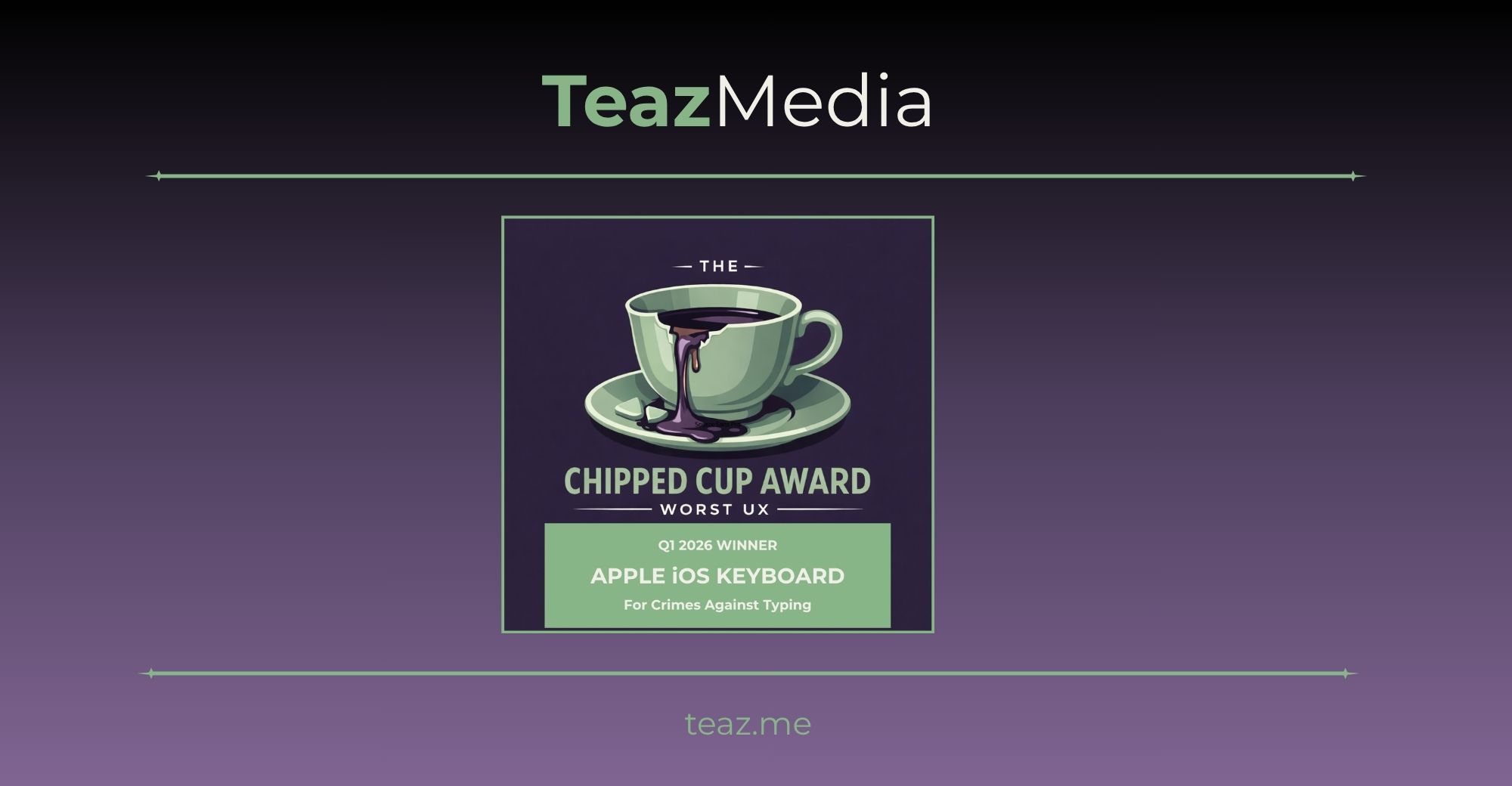
Our first Chipped Cup UX Award
The first Chipped Cup UX Award goes to a product used by millions of people every single day — something so fundamental to the iPhone experience that its failure touches nearly every interaction a user has with their device.
The Q1 2026 Chipped Cup Award goes to the Apple iOS Keyboard. For crimes against typing.
This Did Not Start in 2026
It would be convenient if this were a story about one bad software release. It is not. The iOS keyboard has been accumulating complaints for years — through iOS 16, iOS 17, iOS 18, and now iOS 26 — and what makes it a worthy first recipient of this UX award is precisely that pattern: a problem that has been acknowledged, promised fixed, partially addressed, and then allowed to get worse again across multiple product cycles.
Reports of wrong letters being inserted, autocorrect replacing correctly typed words, and keys failing to register go back to at least early 2023 under iOS 16. One user on Apple’s own community forum described the keyboard as “hardly useable” with autocorrect enabled, particularly when using swipe-to-type. Another described watching autocorrect change words that were spelled correctly while typing the very next word in a sentence — going back to alter text that had already been entered, unprompted.
By iOS 17 in late 2023 and into iOS 18, the pattern had become familiar enough that users were not just complaining — they were documenting. One user on iOS 18 described having to resort to dictation because typing a simple message was taking ten minutes. Every word ending in “s” was being incorrectly autocorrected. Another described autocorrect actively learning from its own bad corrections and repeating them, building a personal dictionary of wrong answers.
Apple Promised to Fix It — Twice
To Apple’s credit, they have not ignored the keyboard. They have announced improvements to it — with considerable fanfare — on more than one occasion. The problem is that the improvements did not fix it.
At WWDC 2023, Apple’s senior vice president of software engineering Craig Federighi made the keyboard a centerpiece of the iOS 17 announcement. Autocorrect received a comprehensive update with a transformer language model described as state-of-the-art for word prediction, improving the experience and accuracy for users every time they type. Federighi also made a point of addressing the long-running frustration with profanity being autocorrected, delivering the now-famous line: “In those moments where you just want to type a ducking word, well, the keyboard will learn it too.”
The audience laughed. The promise was real. The results, for many users, were not.
Following iOS 17’s release, complaints about autocorrect continued. Users on iOS 17 reported the upgraded system still replacing correctly spelled words, still failing to learn from corrections, and still autocorrecting in ways that made no logical sense in context. The transformer language model that was supposed to make autocorrect “more accurate than ever” had not meaningfully resolved what users were experiencing day to day.
Apple tried again. Autocorrect still runs on the same machine-learning models Apple introduced in 2024, and by the time iOS 18 arrived, some users were describing the situation as worse than it had been before the promised improvements. One longtime user noted that Mac OS X circa 2010 — and even Microsoft Word from the 1990s — performed better at correcting spelling mistakes than modern iOS. That is not a minor regression. That is over a decade of progress moving backward.
iOS 26 Made It Significantly Worse
When Apple released iOS 26 in September 2025, whatever ground had been gained was largely lost. The keyboard complaints that followed were immediate, widespread, and specific enough to rule out user error.
Missed keystrokes. Shortly after iOS 26 arrived in late 2025, a persistent glitch kept surfacing when typing rapidly, where some characters would simply fail to register. Users tapped letters, saw them highlight, but the input never made it into the text. For fast typists — which describes most people who use a phone for professional communication — this was constant and exhausting. One Apple support user reported in November 2025 that onscreen typing accuracy had dropped dramatically after updating.
Wrong letters inserted. The footage shows that the system often replaces one letter with another for no apparent reason. For instance, pressing “U” sometimes results in “J.” There is no clear pattern: the same word can produce different errors on separate attempts. Critically, even disabling auto-correction did not make a difference. The keyboard registers the correct tap, and yet the output changes afterward, meaning the issue likely occurs after input recognition, not before.
Autocorrect correcting correctly typed words. The most common issue seems to be autocorrect rewriting correctly typed words into nonsense. One user said they originally blamed themselves because letters would randomly change after they had finished typing. Another said the keyboard used to be excellent and has slowly become worse with every update. Reports included random capitalization, insertion of superfluous commas, and words being replaced with entirely wrong suggestions. One user catalogued their phone consistently replacing their own name with a San Francisco transit system — every single time, regardless of context.
Autocorrect active even when disabled. The keyboard keeps registering the occasional wrong button input even after disabling autocorrect. Users who followed Apple’s own recommended troubleshooting steps — turning off autocorrect, resetting the keyboard dictionary, restarting the device — found themselves no better off. Some reported the same problem persisting across seven different iPhones over three different models spanning three years.
Swipe-to-type producing nonsense. QuickPath, Apple’s swipe keyboard, developed its own compounding failure modes. Users swiping correctly would see the correct word briefly appear, only to watch it get replaced by a word that makes no sense in context or is not even a word. Common words like “will” became “we’ll.” “Went” became “want.” Resetting the keyboard dictionary did not fix it. Full device resets did not fix it.
Lag, stuck keys, and visual glitches. White visual glitches around the keyboard area after recent updates made the interface look unfinished. A mix of old and new keyboard designs in different apps created inconsistency in typing feel and performance. On top of everything else, keys were getting stuck and stopping registration of tap inputs entirely.
Six Updates. The Same Problems.
What seals this as a Chipped Cup winner is the timeline of Apple’s response — or more accurately, the absence of one.
iOS 26 shipped in September 2025. The complaints were immediate. Apple released iOS 26.1. Then 26.2. Then 26.3. Apple has not publicly detailed keyboard fixes in every update. Some notes mention general bug corrections and performance improvements, but they rarely list keyboard issues explicitly. Users were hoping iOS 26.2 would resolve most bugs, yet new glitches emerged with that version. Early feedback on iOS 26.3 suggests keyboard problems remain for many users.
Apple’s first public acknowledgement of the core keyboard bug came in March 2026 — six months after the problem began — buried in iOS 26.4 beta release notes as “improved keyboard accuracy when typing quickly.” This was Apple’s first public acknowledgement to a bug that had been plaguing many iPhone users for months. Despite all this uproar, Apple’s official fix only came recently via the 26.4 beta in March. There was no beta fix earlier and no mention in iOS 26.3 notes.
And even then, the update only solves part of the problem. Autocorrect still runs on the same machine-learning models Apple introduced in 2024, which means familiar frustrations remain. At least one user reported that after installing iOS 26.4, they were still not seeing any improvement at all.
The fix that took six months to ship may not have actually fixed it for everyone.
Why This Qualifies
The iOS keyboard is not a peripheral feature. It is the primary input mechanism for a device hundreds of millions of people use to communicate for work, health, relationships, and emergencies. When it fails, everything fails.
Apple has the resources, the engineering talent, and the institutional knowledge to maintain a functioning keyboard. They invented the modern touchscreen keyboard. They have refined it for nearly two decades. They made it the centerpiece of a keynote. They promised it was fixed.
The gap between those promises and what users have experienced — across multiple iOS versions, documented across thousands of support threads, spanning years not months — is exactly the kind of failure this UX award exists to name.
The Verdict
The Q1 2026 Chipped Cup UX Award goes to the Apple iOS Keyboard. Not because Apple is uniquely bad at software. Not because keyboards are easy to build at scale. But because this problem is years old, publicly acknowledged at a keynote, promised fixed, and still broken. Because six months of user frustration produced four point updates and silence before a single line in beta release notes. And because the most fundamental thing a phone should do — let you type what you mean — remains, for many users, unreliable on the world’s most profitable consumer device.
The cup is chipped. The tea is everywhere. And your text still says “bad s.”
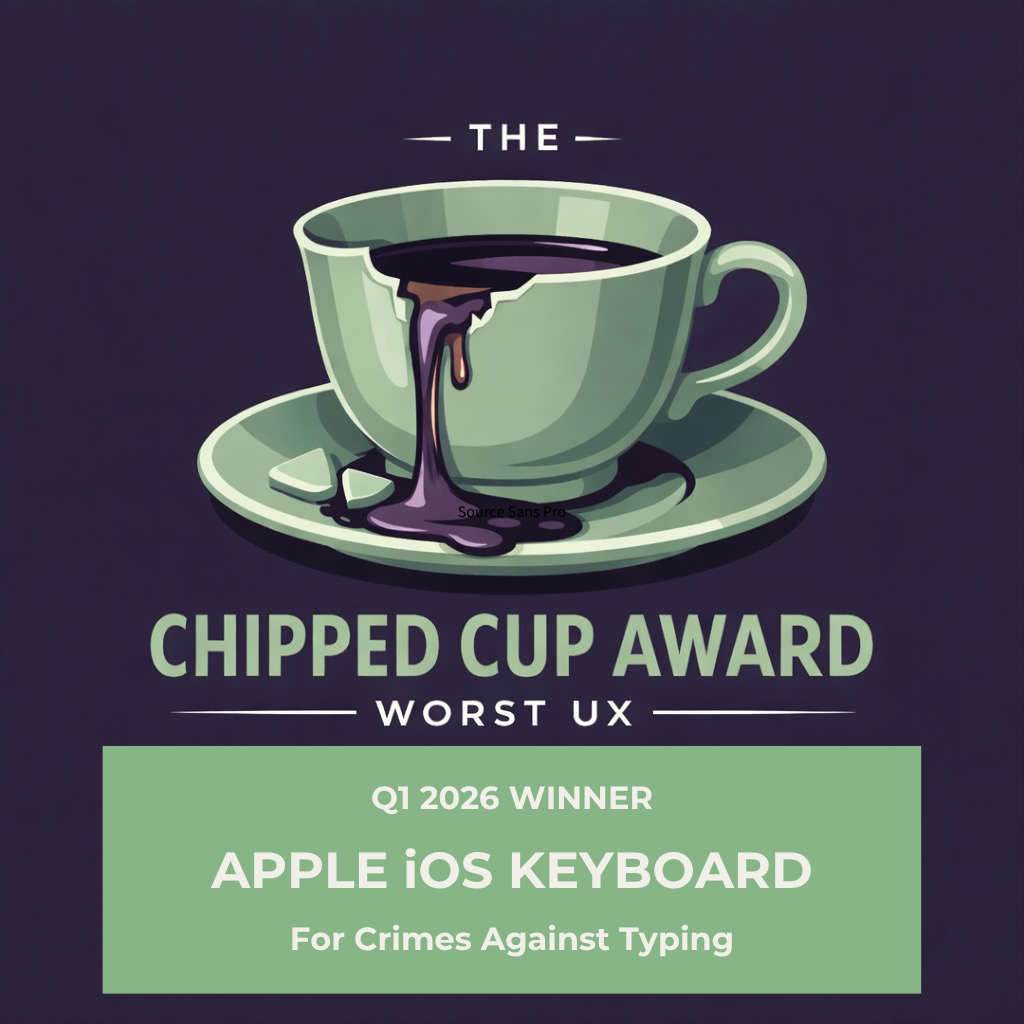
Your UX Should Not Win This Award
Bad UX does not always announce itself loudly. Sometimes it is the small friction that accumulates — the interaction that feels slightly off, the flow that loses people before they convert, the feature that works on paper but fails in practice.
TeazMedia works with mission-driven organizations to build web experiences that are clear, accessible, and genuinely useful. If you want an honest look at what your site is doing well and where it may be working against you, let’s talk.